1
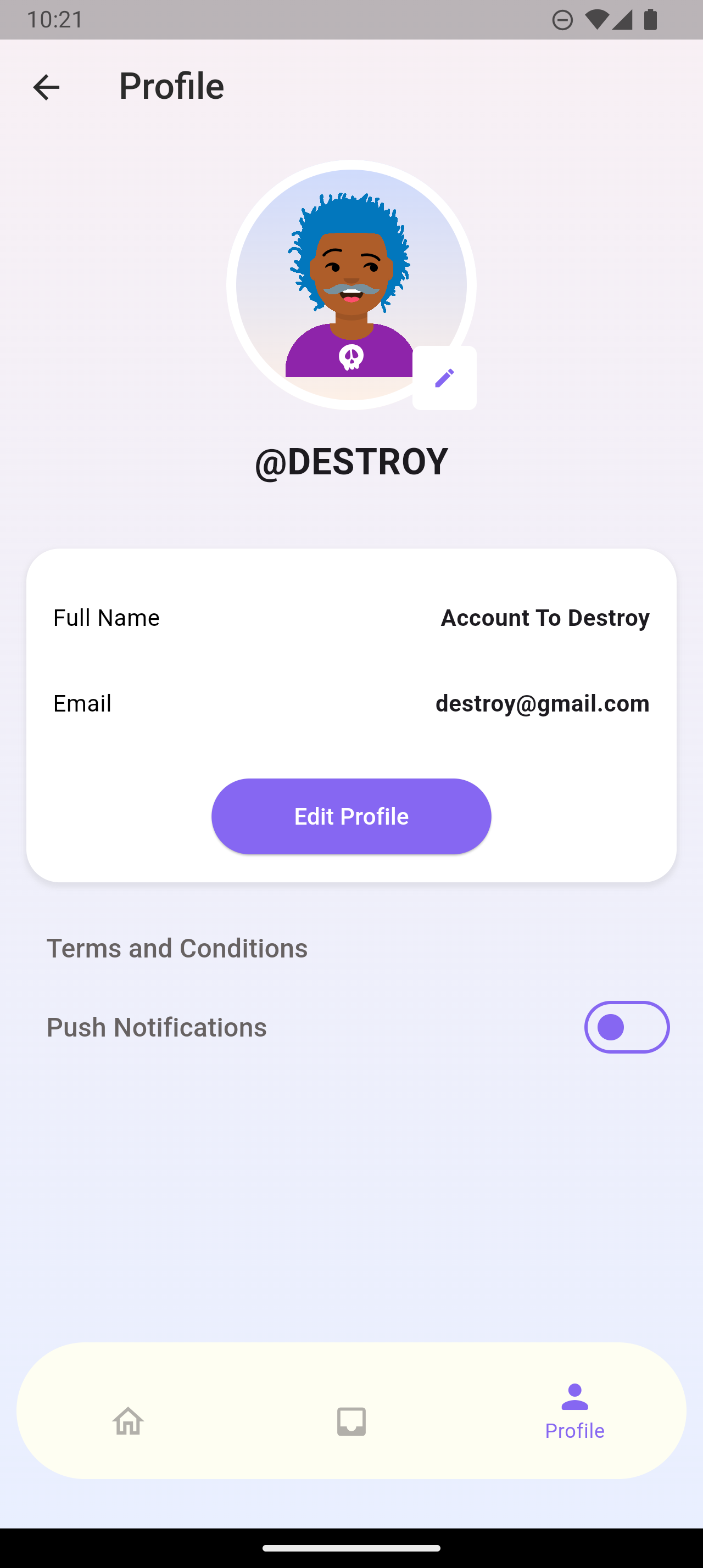
Access Account Settings
Open Shhask app and tap on your profile icon.
2
Find Delete Account Option
Scroll down to the bottom and tap on "Delete Account"

3
Confirm Deletion
Read the warning message carefully and type "DELETE" to confirm. This action cannot be undone.

⚠️ Important Notice
- Account deletion is permanent and cannot be undone
- All your data will be permanently erased
- You'll need to create a new account if you want to use Shhask again